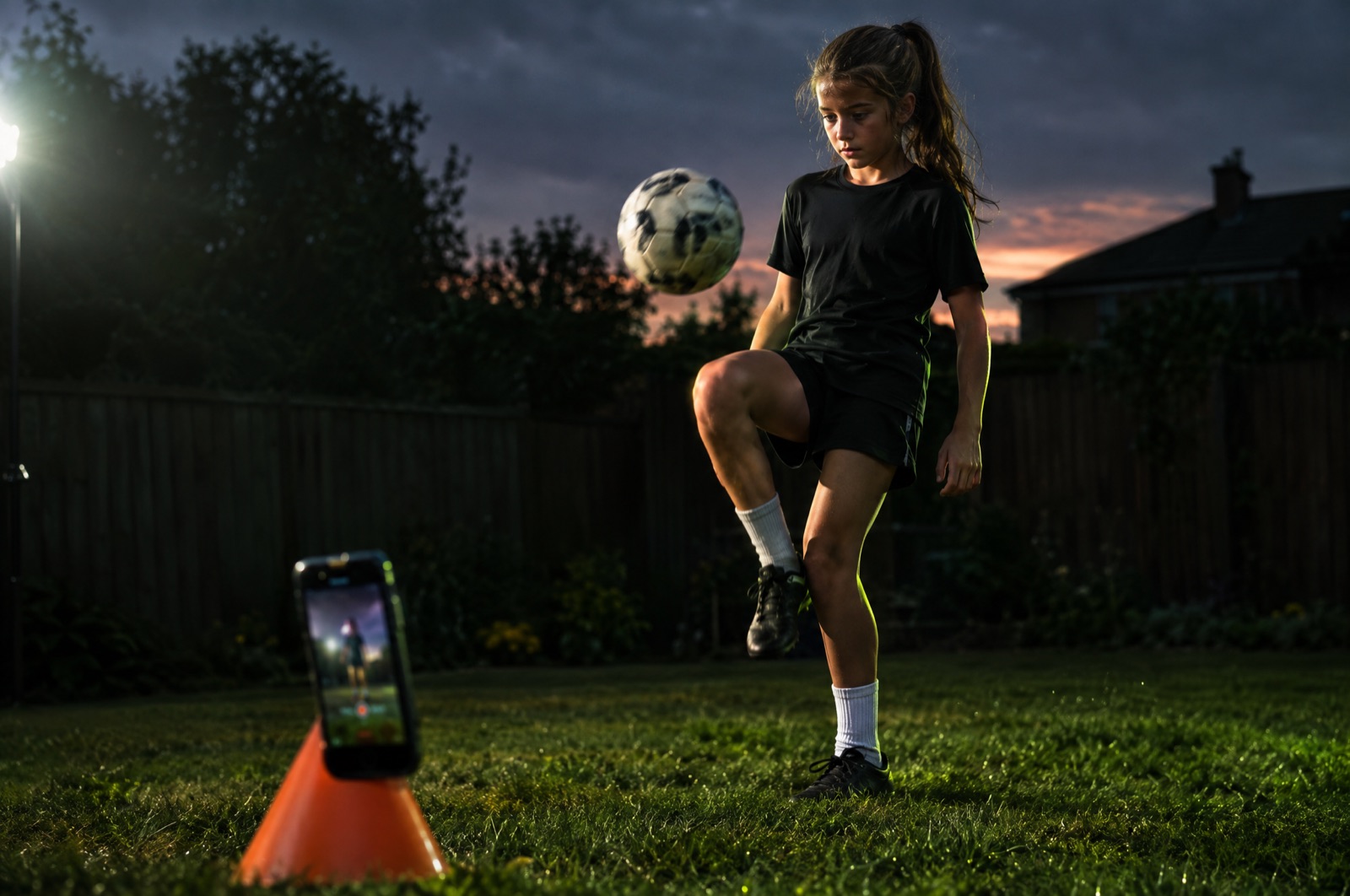
Reps before
reels.
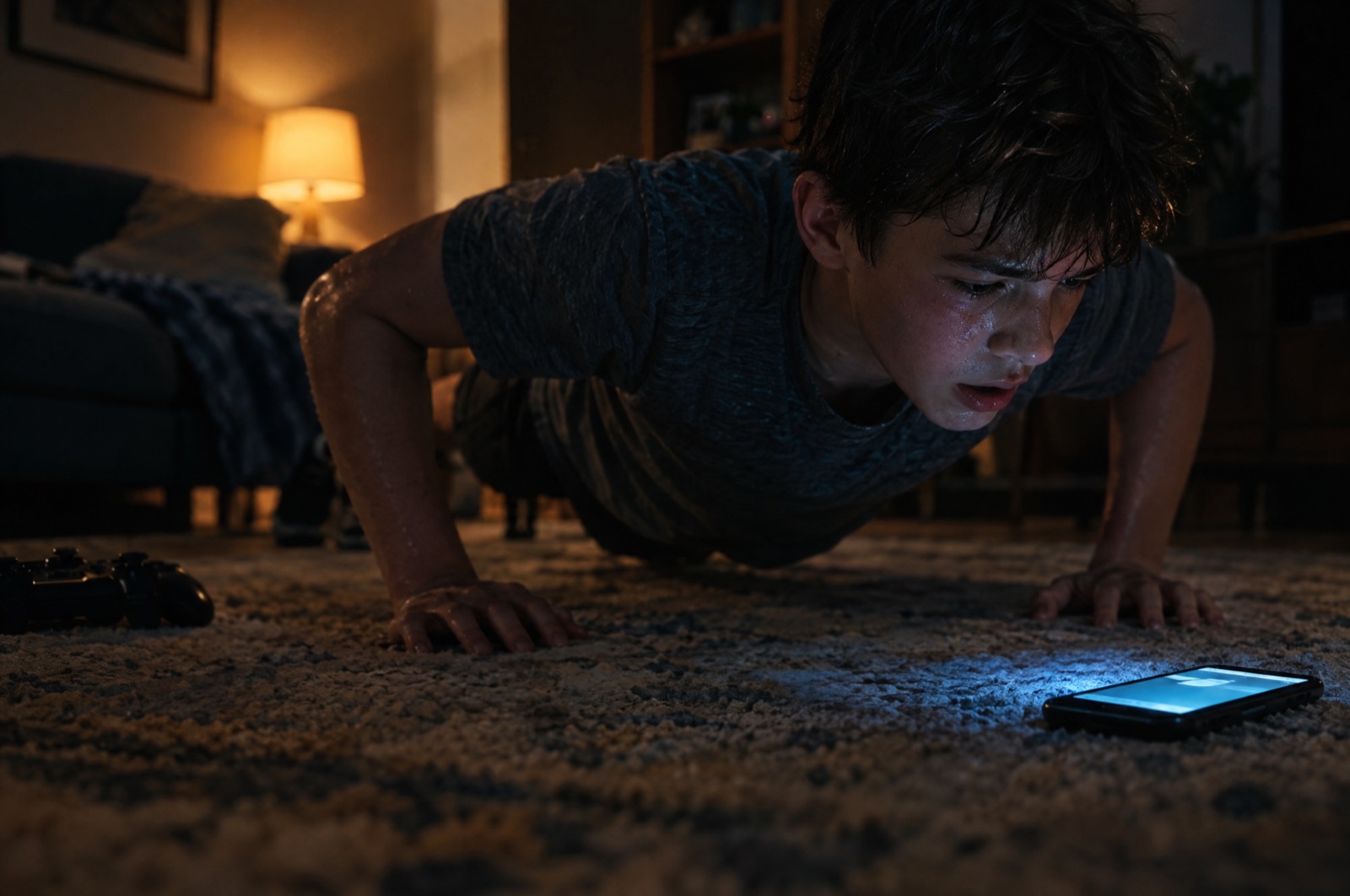
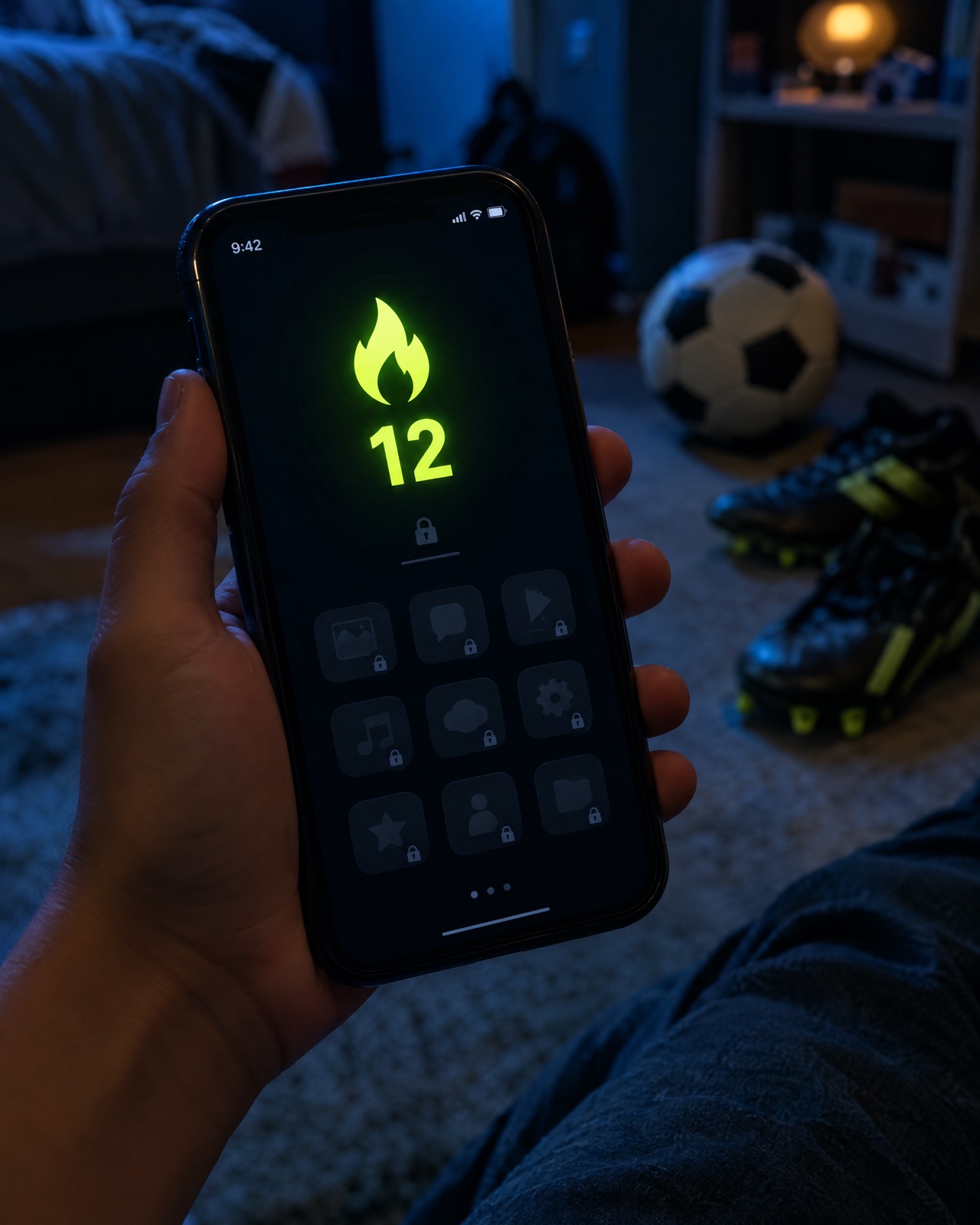
SkillScroll locks the scroll until you move. 10 juggles. 20 push-ups. 10,000 steps. The phone counts every rep, and your apps unlock the moment it counts.
Every day, the feed wins by default.
Not anymore.
Three steps. Every day.
No nagging. No screen-time fights. The skill is the key.
Pick your skill
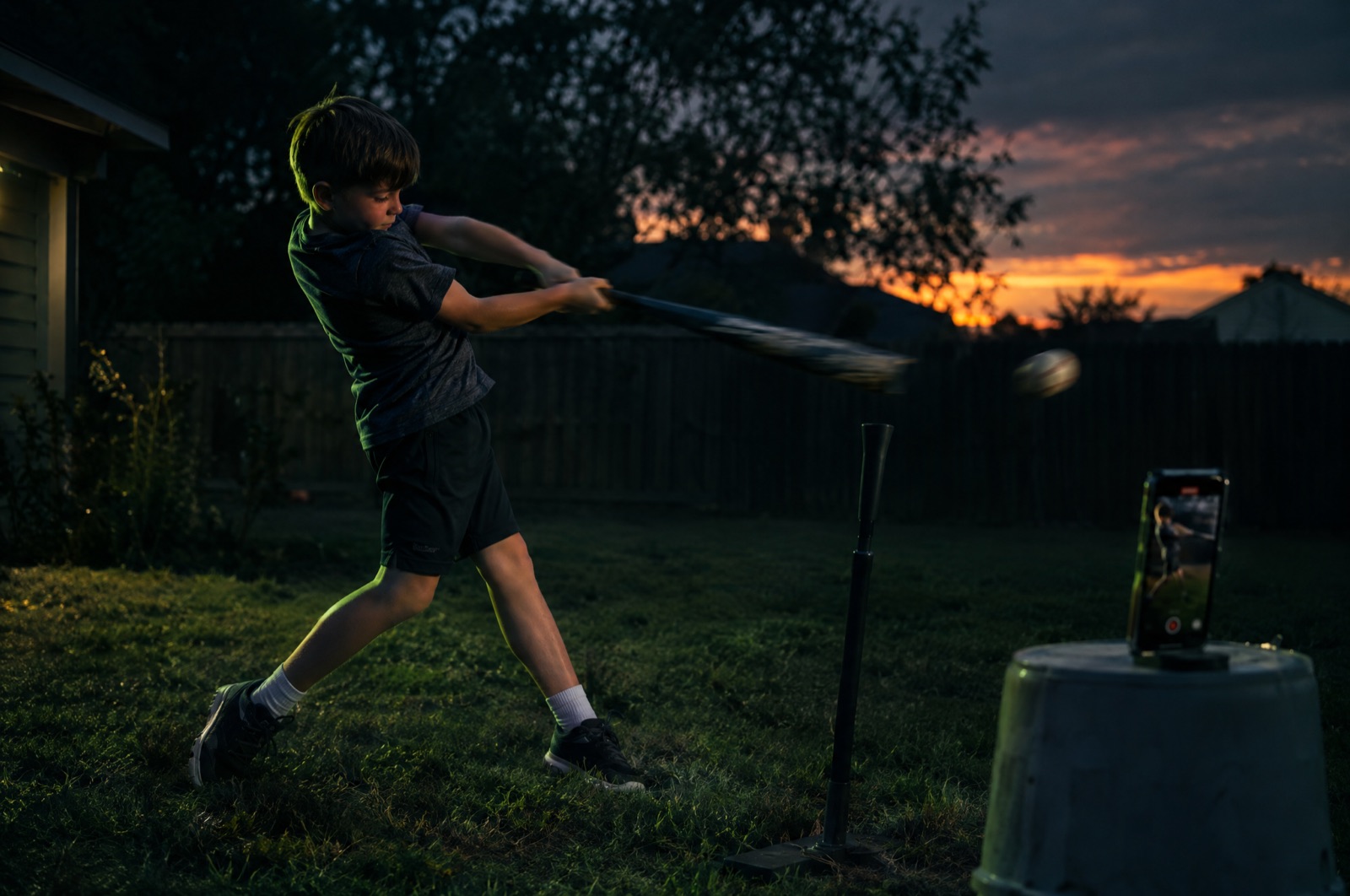
Juggles, push-ups, swings, jump rope, steps, 30 minutes of anything. Set the goal and level it up as you get better.
Prove it
Prop the phone up and go, or let your watch do it. Reps are counted live on the device. No video is saved.
Scroll, unlocked
Hit the goal and the locked apps open instantly. Tomorrow, beat it. 10 becomes 12.
Any sport. Every rep.
On-device motion tracking counts the reps. For juggles it listens for every touch and checks it against the kick, so only real juggles in a row count.
Live count
Live count
Live count
Live count
Live count
Live count
Live count
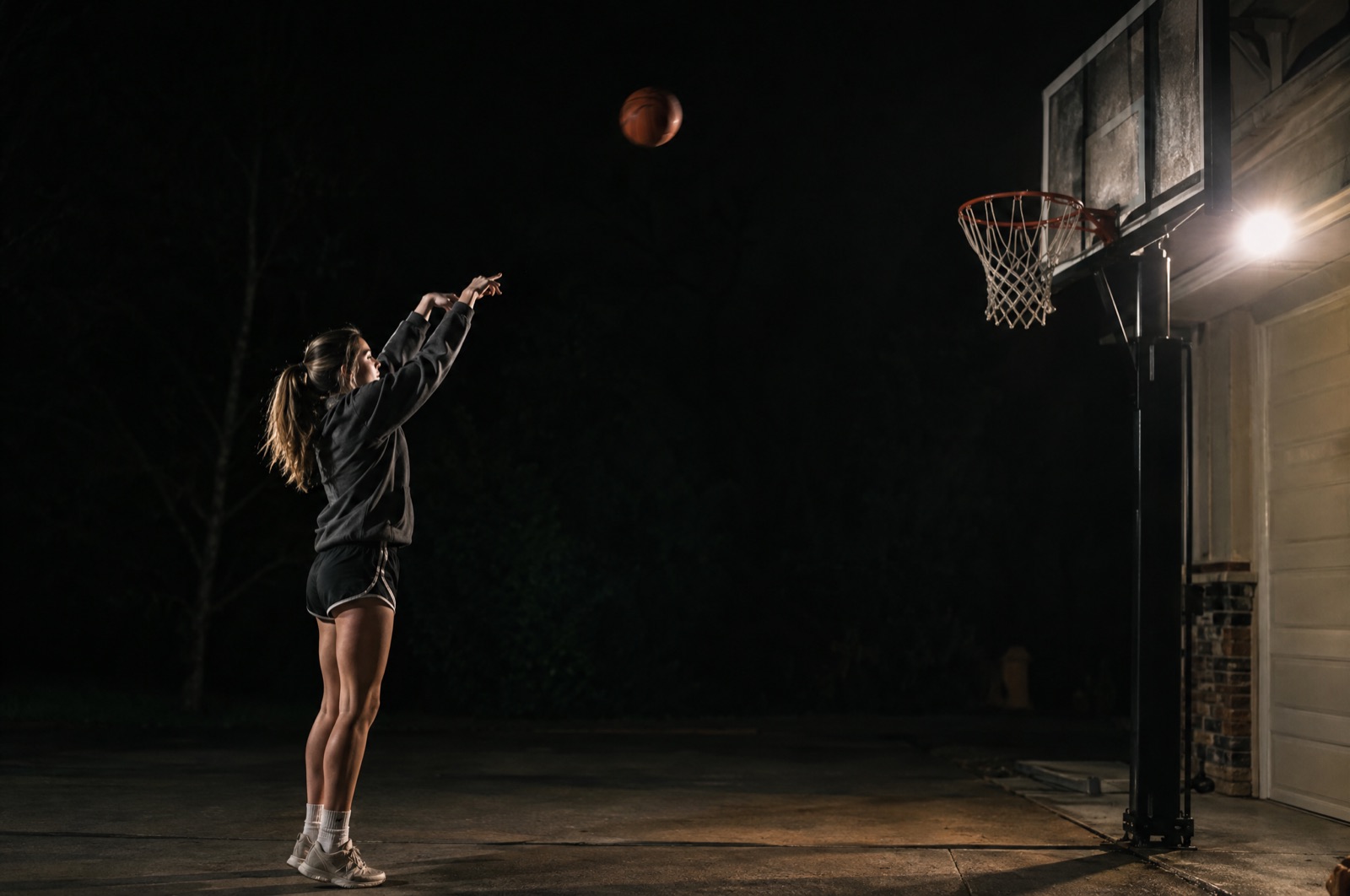
Proof clip
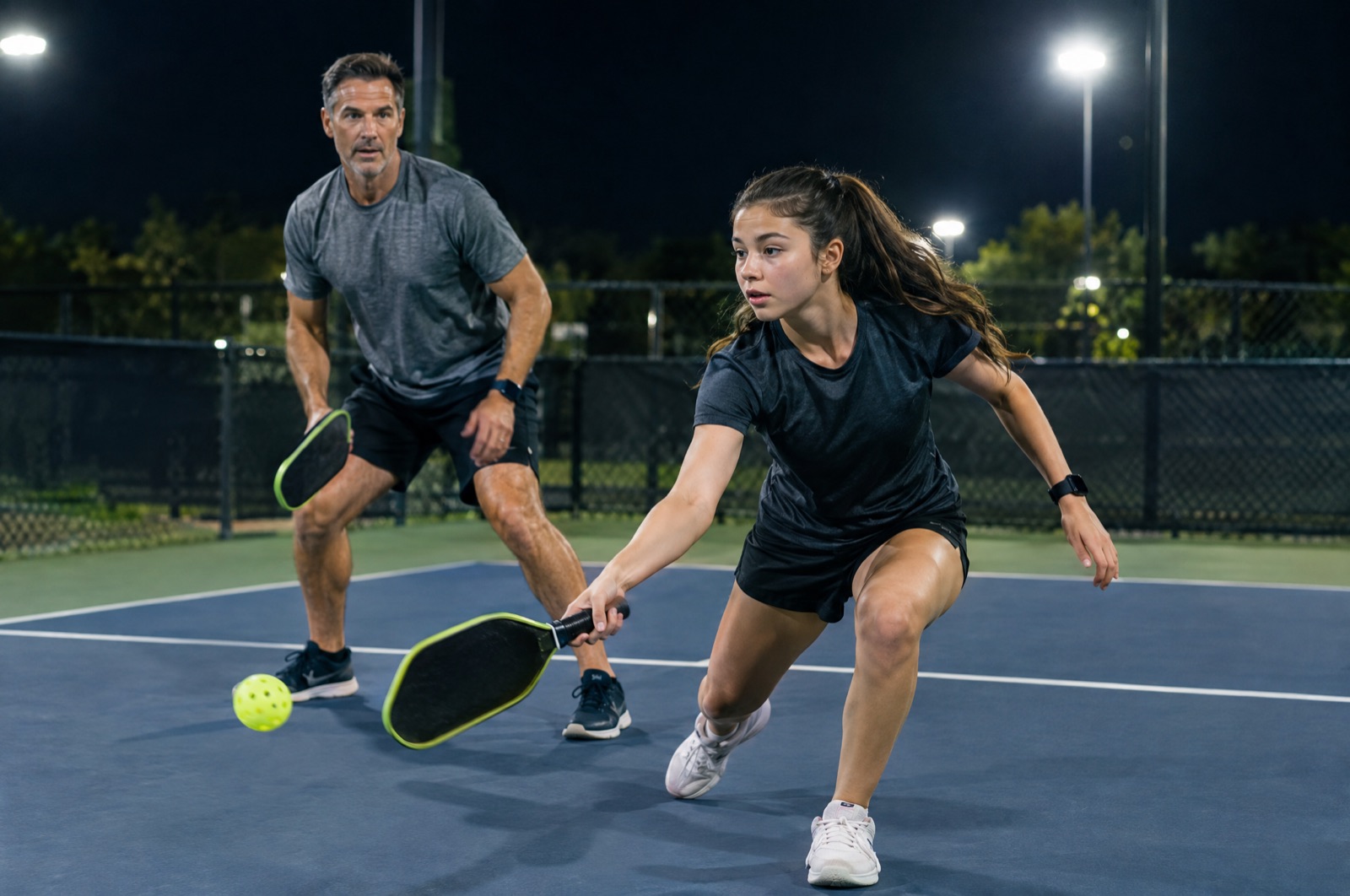
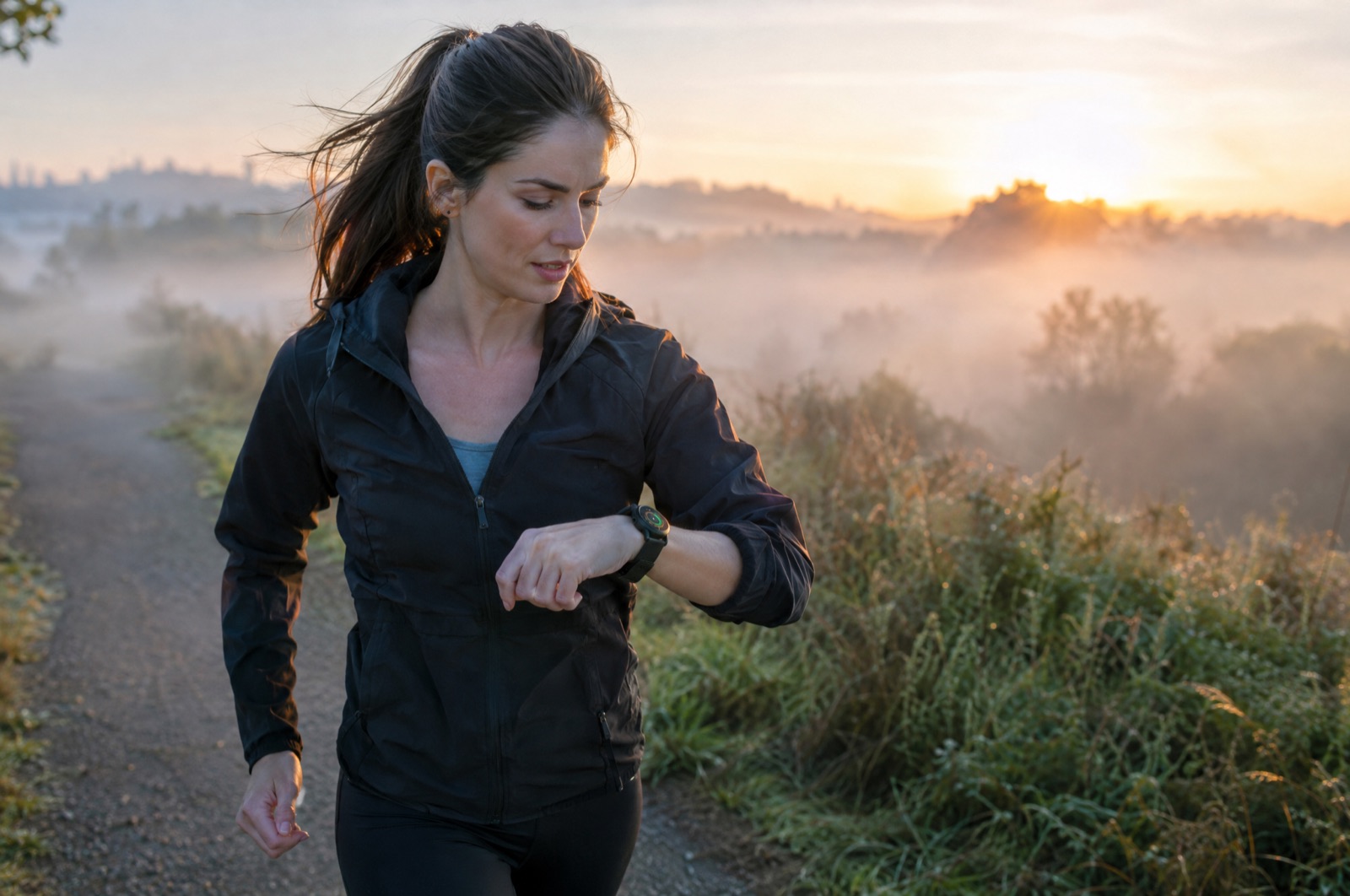
Your watch holds the key.
Not every workout happens in front of a camera. Connect Apple Health and set goals that unlock on their own, in the background, the moment you hit them.
- Unlocks automatically, even when the app is closed
- A heads-up the moment your last goal is done
- Only the daily total is used. Health data is never sold or used for ads
Beat that. 👊
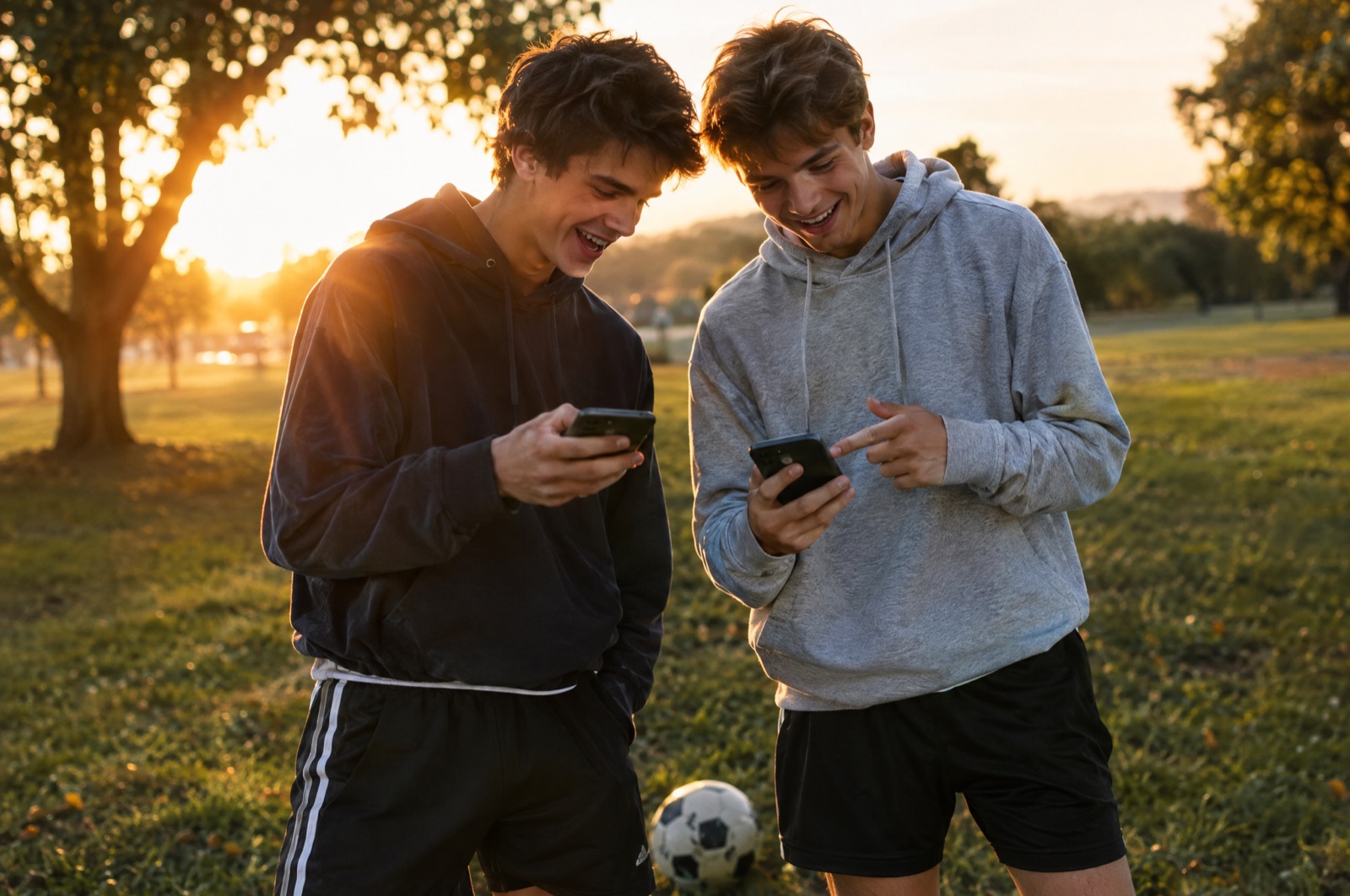
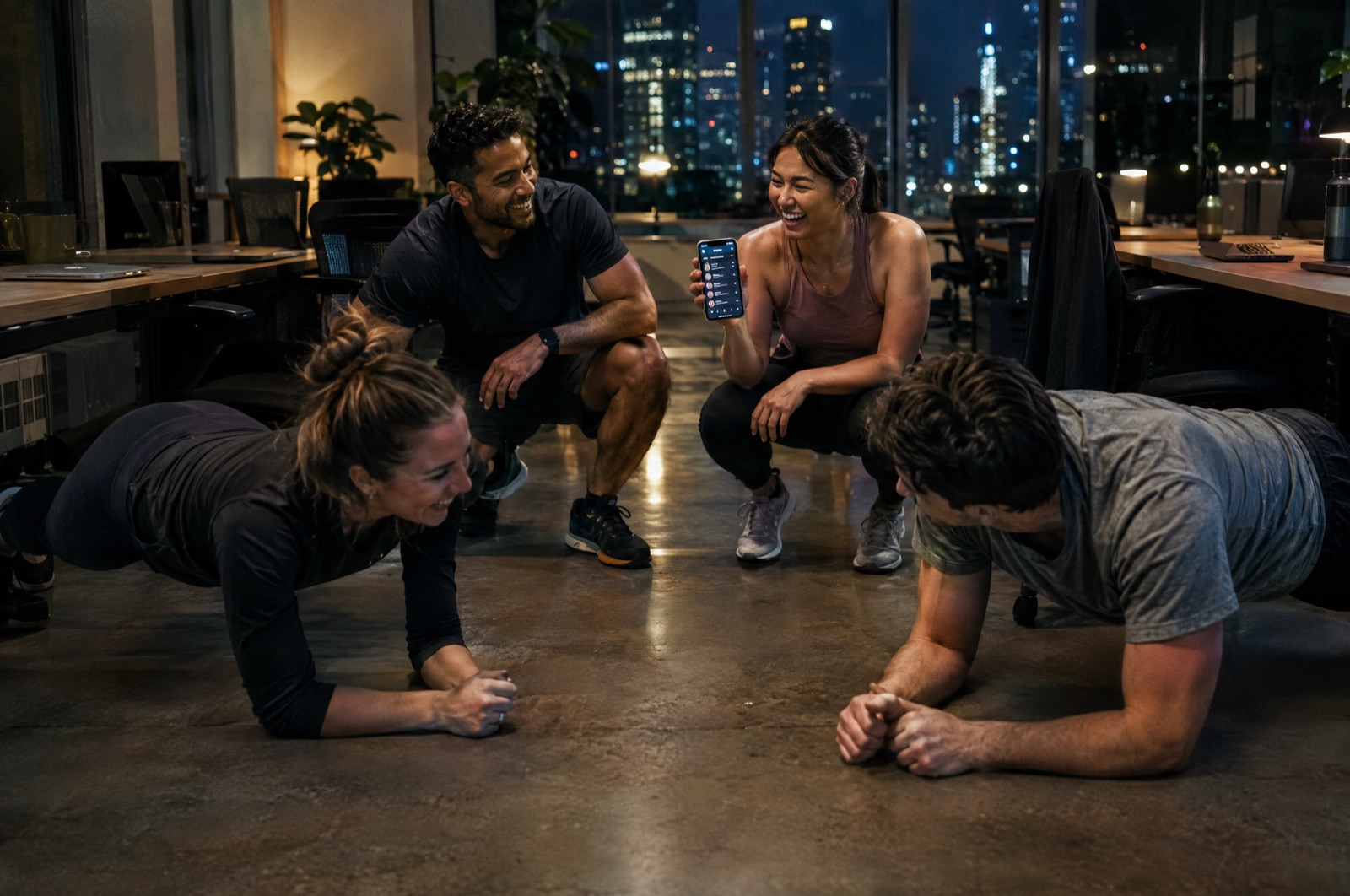
Send a challenge after any win, or pick a ready-made one. Start a private crew and race your family, your team and your friends on weekly reps and streaks.

 SKILLSCROLL
One tap. Game on.
- Challenge cards: your score on a Story-sized card, with a link that loads the exact challenge
- Ready-made challenges: 10 juggles, 20 push-ups, 100 jump rope, 10,000 steps and more
- Private crews: invite-only leaderboards for weekly reps and streaks
- Real-time trash talk: get a push when someone beats your challenge or passes you on the board
- No names or faces on shared cards. No public profiles of kids
Don't break the chain.
Every day of training builds your streak, from Spark to Legend. Beat a goal by 25% and earn a shield that saves a missed day. Hit three personal bests in a row and SkillScroll asks: ready to level up?
- Streak shields for the days life gets in the way
- Milestone cards at 7, 30, 100 and 365 days
- A team streak the whole family protects
Their thumbs are getting more reps than their feet. Flip it.
You set the rules. The skill enforces them.
Set it up once on your phone. Their apps stay locked on theirs until training is done.
Real app locks
Built on Apple's Screen Time controls and managed from your phone. You pick which apps stay locked.
Highlights, not homework
Proof clips count right away and land in your Highlights feed. Tap "Doesn't count" if something's off, or require approval kid by kid.
One daily digest
"Today: 3 skills done, 2 new Highlights, Blaze streak for Kendall." One evening push, not a stream of alerts.
Two parents, one plan
Invite your co-parent. Every kid gets their own skills, streaks and personal bests. Works with Apple Family Sharing.
Kids add their own
Kids can add the skills they want to master. You see every one, and who added it.
Private by design
Live checks run on the phone and are never recorded. No ads, no public profiles. Parental consent before any child is added.
Not a kid? Same deal.
Athletes, coaches, parents and anyone who scrolls too much can lock their own apps behind their own goals. Push-ups before Instagram. Steps before TikTok. Your rules.
Less than one private lesson.
Every plan starts with a 7-day free trial. Cancel anytime in your Apple settings.
SkillScroll Family
- Every kid in the family, plus parents
- Apple Family Sharing included
- Highlights, crews and leaderboards
SkillScroll Solo
- One athlete, one phone
- All live counters and Apple Health goals
- Streaks, shields and challenge cards
Questions, answered.
How does SkillScroll count reps?
It uses the phone's camera and Apple's on-device body tracking to watch the movement and count each rep in real time. For juggling, it also listens for each ball touch. Everything is processed on the phone, and nothing from a live check is recorded or uploaded.
Can my kid get around the locks?
App locks use Apple's Screen Time (Family Controls), the same system behind Apple's own parental controls. The parent chooses which apps lock, from the parent's phone, and the kid's phone enforces it.
What happens with proof clips?
For skills the camera can't count, your athlete films a short clip in the app. The video stays on their phone. A few still frames go to your family's private storage so you can see them in Highlights, and they're deleted automatically after 7 days.
Does it work with Apple Watch?
Yes. Step, exercise-minute and workout goals read from Apple Health, which includes Apple Watch data. When a goal is reached, SkillScroll unlocks apps automatically.
How does the Apple Health unlock work?
Pick a goal like 10,000 steps, 30 exercise minutes or a logged workout. SkillScroll reads today's total from Apple Health (including Apple Watch) and unlocks apps the moment you hit it, even if the app is closed. Or pick a sport: log a 30-minute Pickleball, tennis or soccer workout on Apple Watch, WHOOP, Garmin or Strava and only that sport counts.
How do challenges and crews work?
After any win, tap Challenge a friend to send a card with your score and a link. Or open Challenges and send a ready-made one, like 20 push-ups or 10,000 steps. Crews are private, invite-only leaderboards for your family, team, office or friends, ranked by weekly reps and streaks. Solo members and families can share the same crew. Nothing is public.
Is there a free version?
Every plan starts with a 7-day free trial, and you can try a live drill before you subscribe. After the trial, SkillScroll is $9.99/month or $39.99/year for Solo, and $14.99/month or $59.99/year for Family.
Is it on Android?
SkillScroll is iPhone only for now, because it relies on Apple's Screen Time controls.
Which sports does it cover?
Any sport. Live counters cover juggles, push-ups, squats, jumping jacks, lunges, sit-ups, jump rope and swings. Anything else, from serves to free throws to footwork, works with a proof clip or a custom skill.
Earn the scroll.
Get early access and a heads-up the day SkillScroll hits the App Store.
No spam. One email when we launch.